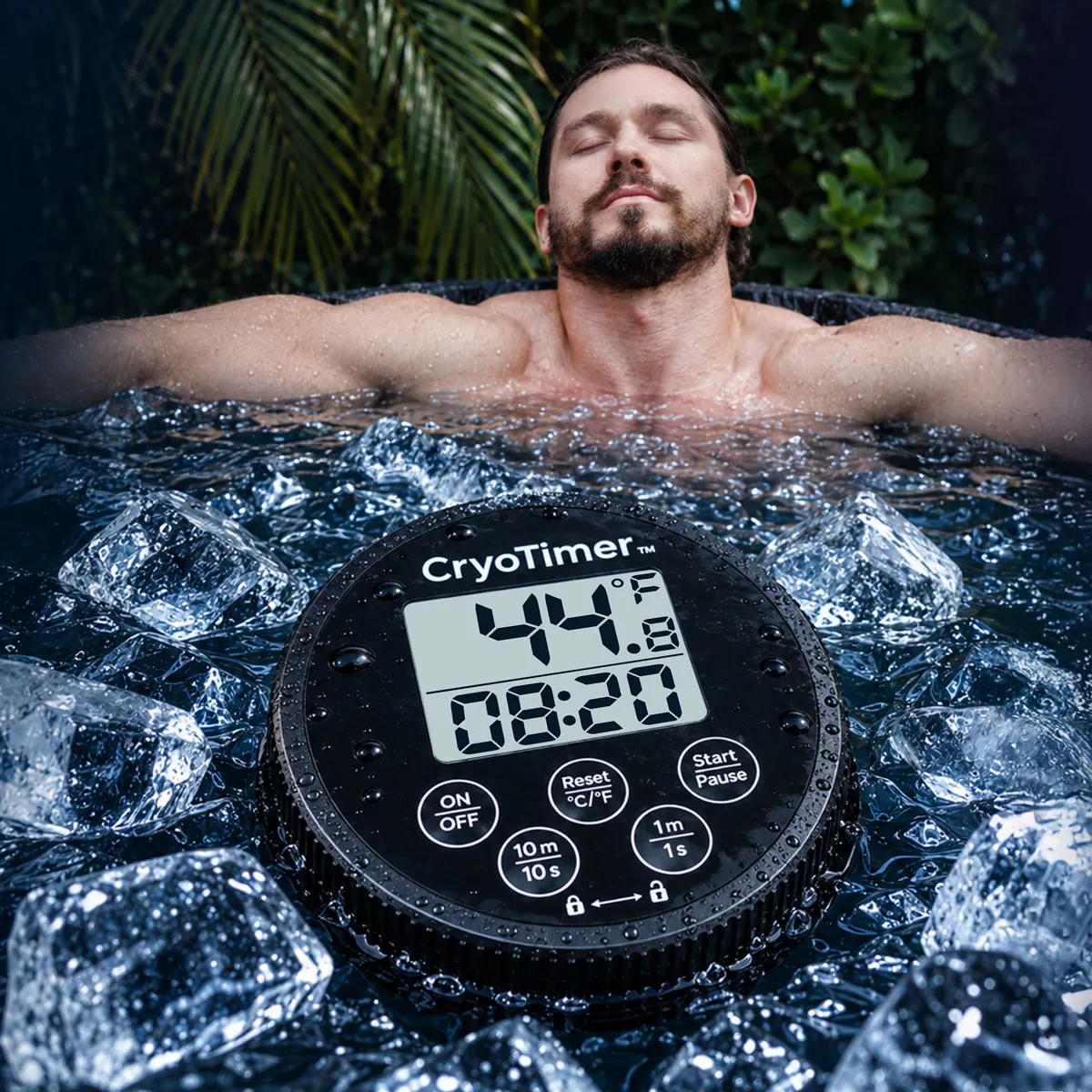
How do I start a countdown or a count-up session?+
For a countdown, set the duration with 1m / 1s and 10m / 10s, then press Start / Pause. For count-up timing, press Start at 00:00 without setting a duration. Tap Start again to pause; tap Reset to clear the timer. Both modes display up to 99:59.
Why is the sensor below the floating display?+
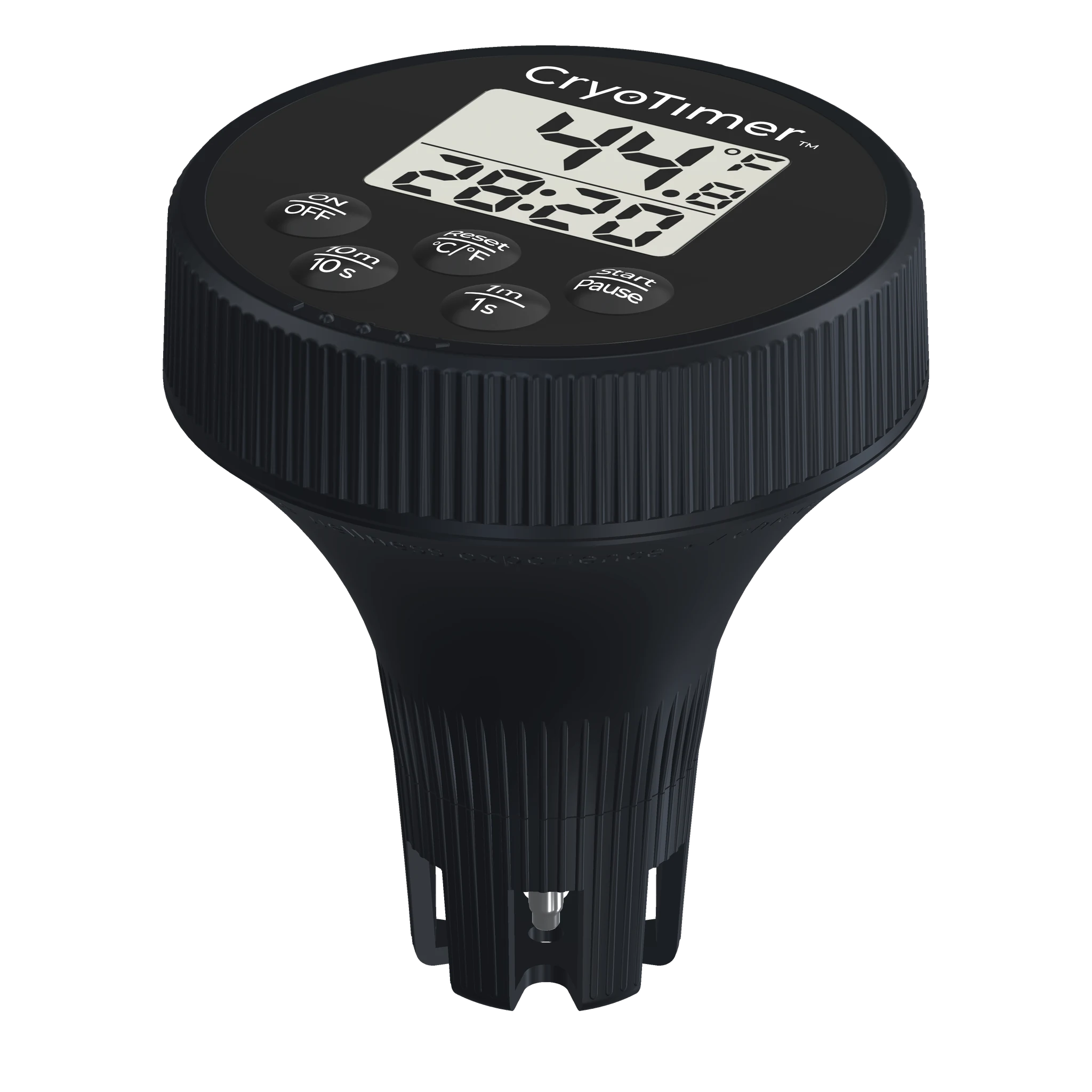
The extended body places the temperature sensor beneath the display, in the water rather than at the top face of the device. In an ice bath, let the water circulate and the reading settle before checking it. Temperature can vary around a bath; one reading does not map the entire tub.
Can I use CryoTimer with an ice-filled tub or a cold plunge chiller?+
Yes: use it as a separate water thermometer and session timer for an ice-filled bath or a chiller-fed plunge, within the device’s confirmed operating limits. It does not control a chiller, cool the water or replace the bath manufacturer’s setup instructions. Confirm the operating range in the final supplied guide before use.
How do I switch Fahrenheit and Celsius without resetting the timer?+
Hold Reset / °C / °F to change units. A short press resets the timer instead. The online model lets you practise both actions before using the device.
What happens when my ice bath timer reaches zero?+
A countdown reaching zero sounds the buzzer and flashes the display and button backlights. The guide describes a 60-second alert, followed by one minute of standby before automatic power-off if untouched. The online demo uses the recorded three-pulse buzzer rhythm, with completion audio limited to 10 seconds for comfortable browsing.
Why is the display brighter after I press a button?+
CryoTimer has a backlit LCD for low-light use. Press Power to activate the backlight for five seconds. In this demo, button interactions also briefly brighten the neutral-coloured LCD; the final firmware will be checked against the supplied program code.
How do I install batteries and reseal the device?+
CryoTimer uses two AAA batteries, included but supplied uninstalled. Follow the user guide for opening, battery orientation, gasket alignment and closing. Check the seal before water use; do not open the device in the bath. Dry it before replacing batteries.
Can I use CryoTimer for a hot soak as well as an ice bath?+
The guide describes cold- and warm-water use. For a hot soak, stay within the device’s operating limits and follow the tub’s instructions. The final temperature range still needs manufacturer confirmation. IP67 water resistance requires correct assembly and sealing. Do not assume compatibility with every hot tub, thermal spring or mineral-water source.
Does it measure water quality or tell me a safe plunge time?+
No. It measures water temperature and session time, not cleanliness, disinfectant levels or personal safety. Maintain your water according to the bath manufacturer’s instructions and choose an appropriate routine with qualified guidance. A timer or HI / LO alert does not establish a safe exposure for you.
How accurate is the thermometer, and is the online reading real?+
The manufacturer states sensor accuracy of ±0.2°C / ±0.4°F. CryoTimer displays water temperature on its LCD. The interactive model on this page uses a simulated temperature, not a live reading from a device in your bath.
What is included, and can I order now?+
The box contains one CryoTimer Base, two AAA batteries and a user guide. Select Buy CryoTimer to open our secure Stripe payment page. The device costs $34.99 USD. The Stripe checkout currently shows $6.99 standard US shipping and a $41.98 total before any further checkout adjustments. Review the final total and delivery details before confirming. The guide states a one-year limited manufacturer warranty.

 High-accuracy sensor
 Two timer modes
 Buzzer + backlight